Headless Drupal Development
Drupal as a content backend with a modern frontend on top - Next.js, React or Vue for web, mobile and multi-channel delivery.
Use Drupal for workflow, multilingual content, permissions and governance while a decoupled frontend handles demanding digital experiences.
Drupal as a headless CMS and content backend
Headless Drupal separates content management from presentation. Drupal stores structured content, permissions, workflows, taxonomy, media and translations. Frontend applications consume that content through JSON:API, GraphQL or custom endpoints.
This is useful when the frontend has requirements that go beyond a classic Twig-rendered website: multiple channels, a dedicated React or Vue team, app-like interfaces, strict performance goals, or a content hub that serves several products.
What we deliver in headless Drupal projects
We keep the page about Drupal architecture ownership, not generic JavaScript outsourcing.
When headless Drupal is not the right move
Headless is an architecture choice, not an automatic upgrade. We recommend it only when the frontend or channel strategy justifies the extra operational complexity.
When headless Drupal fits
Headless Drupal architecture options
Fully decoupled: Drupal exposes JSON:API or GraphQL, and a separate frontend application owns rendering and deployment.
Progressively decoupled: Drupal still renders the page shell while selected React or Vue components handle high-interaction areas.
Static or hybrid rendering: Next.js static generation, ISR or server-side rendering uses Drupal as the content source and a CDN as the delivery layer.
The right model depends on editorial workflow, preview needs, SEO, frontend ownership, hosting and the amount of Drupal functionality you want to keep coupled.
Headless Drupal proof
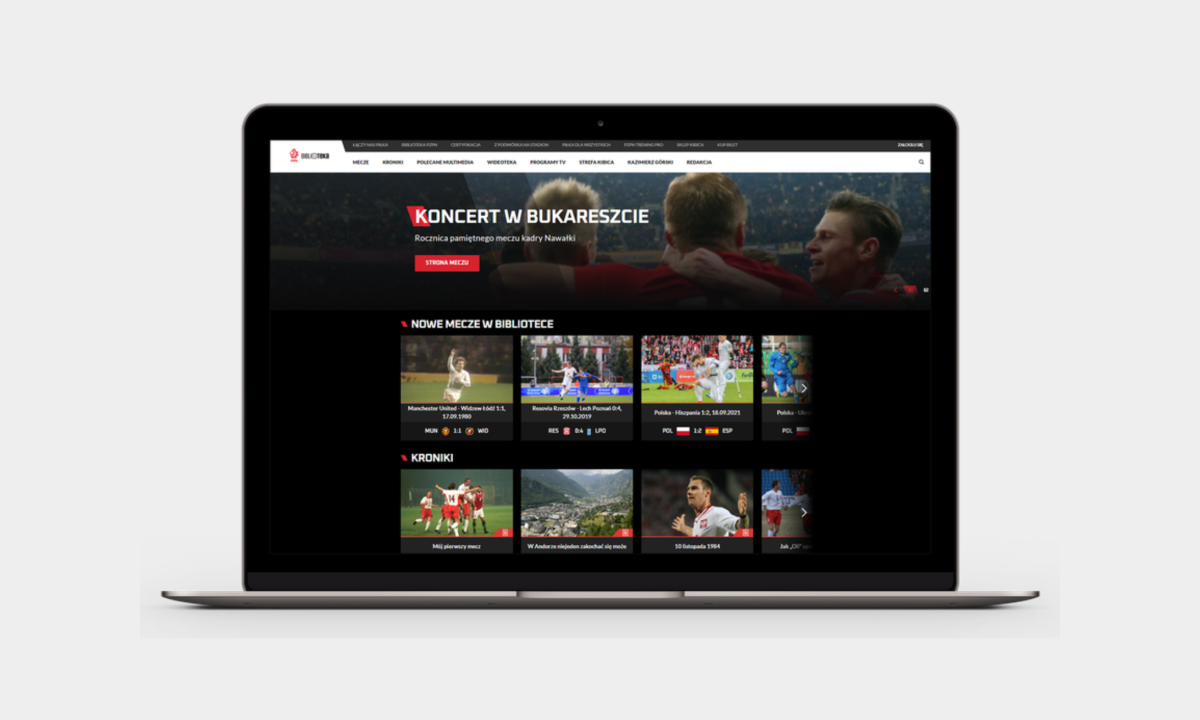
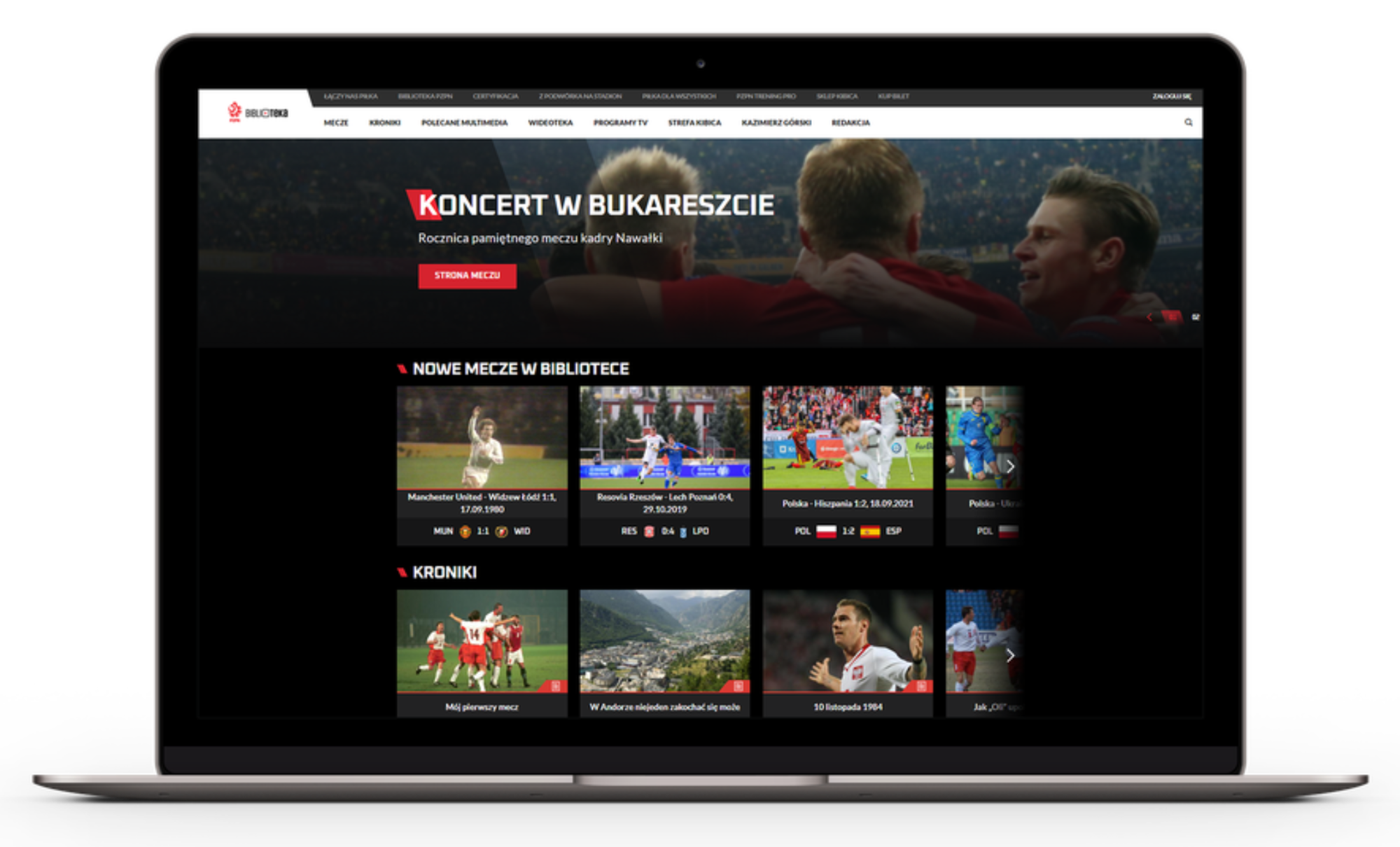
PZPN is the primary public proof point for this capability: a headless Drupal CMS used as a content backend for a high-traffic sports organization.
Headless Drupal technology stack
We usually combine Drupal 10 or 11 with JSON:API, GraphQL where it fits, Next.js, React, Vue or Nuxt, plus a CDN and hosting model designed for preview, cache invalidation and SEO.

How we run a headless Drupal project
1. Architecture audit. We confirm whether headless is justified and where Drupal should remain coupled.
2. Content and API design. We define content models, endpoint contracts, preview and editorial workflow.
3. Frontend integration. We build or support the frontend, caching, routing, SEO metadata and analytics.
4. Launch and Care & Growth. We stabilize Drupal, frontend dependencies, deployment, monitoring and the improvement roadmap.
Headless Drupal FAQ
No. Headless Drupal is useful when channel strategy, frontend ownership or UX requirements justify the extra architecture. For many content-heavy sites, coupled Drupal is simpler and more efficient.
It can be fast, but speed depends on rendering model, cache invalidation, API design, hosting and frontend implementation. Headless does not automatically improve performance.
SEO must be designed deliberately: server-side rendering or static generation, metadata, canonical URLs, redirects, hreflang, structured data, sitemaps and Core Web Vitals need clear ownership.
Yes, but preview is a project requirement, not a default. We design preview flows so editors can safely review unpublished or staged content in the frontend experience.
Often yes. Progressively decoupled Drupal or a hybrid approach can move selected high-interaction areas first while the rest of the website stays coupled.
Usually it increases architectural and operational work because Drupal and frontend become separate systems. That can be worth it for enterprise use cases, but it should be decided during discovery.
Content preview is a key consideration in headless architectures. We implement several solutions:
- Next.js Preview Mode – Real-time preview of draft content
- Iframe previews – Preview within Drupal's admin interface
- Staging environments – Full preview sites for content review
- Live preview modules – Custom preview implementations
The next-drupal package provides excellent preview support out of the box.
Forms require special handling in headless architectures since Drupal's form system isn't directly available to the frontend. We implement forms through:
- Webform REST API – Submit to Drupal's Webform module via API
- Custom API endpoints – Build dedicated form submission handlers
- Third-party services – Integrate with form providers like HubSpot, Typeform
- React Hook Form – Frontend validation with API submission
Headless Drupal can be more secure than traditional setups because:
- The Drupal backend isn't publicly accessible
- Reduced attack surface with API-only exposure
- Frontend can be served from CDN without server access
- Authentication handled through secure tokens (OAuth/JWT)
We implement best practices including CORS configuration, rate limiting, input validation, and security headers.
Yes, we offer comprehensive support packages including:
- Security updates for Drupal and JavaScript dependencies
- Performance monitoring and optimization
- Bug fixes and feature enhancements
- 24/7 emergency support options
- Proactive maintenance and health checks
Learn more about our Drupal support services.