
10 Common Drupal Maintenance Problems And How to Avoid Them

Drupal is a powerful content management system that requires a structured approach to maintenance. Many companies struggle with similar issues that can lead to downtime, data loss, or security vulnerabilities.
Good Drupal maintenance services require deep knowledge of Drupal and understanding of typical challenges that may arise. These problems often stem from suboptimal processes, lack of automation, and insufficient skills of specialists managing the site.
At Droptica, we understand these challenges well and thanks to our experience, we know how to address them effectively. In this article, we present 10 most common Drupal maintenance problems, their business consequences, and ways to avoid them.
In this article:
- Insufficient Drupal specialist skills
- Lack of proper testing before deployment
- Lack of deployment automation
- Lack of regular audits
- Problems with external system integrations
- Lack of quick contact with the maintenance company
- Lack of transparency in maintenance processes
- Neglected custom modules
- Insufficient technical documentation
- Problems with backups
- Drupal maintenance problems – summary
- Frequently asked questions (FAQ)
1. Insufficient Drupal specialist skills
The competencies of the team maintaining your site form the foundation of its stability and security. Let’s examine why lack of proper skills can be critical for your project.
Problem
A specialist without adequate experience in this technology may make poor decisions regarding site management. This is the first and one of the most important problems in maintaining Drupal systems.
Consequences
- Problems with performance, security, and site stability.
- Extended response time to tickets.
- Difficulties in solving more complex technical problems.
- Suboptimal architectural decisions leading to technical debt.
How to avoid it?
Work with companies specializing in Drupal that employ certified specialists with years of experience. Check the portfolio and case studies of potential partners.
2. Lack of proper testing before deployment
Even experienced specialists make mistakes, and their consequences in production can be catastrophic. That’s why testing is an essential element of site maintenance.
Problem
Deploying changes without adequate testing, including automated tests, is a direct path to production problems.
Consequences
- Errors appear directly on the production version of the site.
- Site downtime and user dissatisfaction.
- Bug fix costs significantly higher than prevention costs.
- Loss of company reputation.
How to avoid it?
Implement a testing process that includes:
- automated tests (unit tests, functional tests),
- staging environment identical to production,
- testing procedures before each deployment,
- code review by seniors before merge.
3. Lack of deployment automation
Manual deployments are a relic of the past that generates costs and risks. Modern Drupal maintenance requires fully automated CI/CD processes.
Problem
Manual change deployment is a time-consuming process prone to human errors. Each manual deployment increases the risk of mistakes.
Consequences
- Long site downtime during deployments.
- Increased risk of errors during manual change deployment.
- Inability to quickly deploy hotfixes.
- Lack of process repeatability.
How to avoid it?
Automate the deployment process using:
- CI/CD pipelines (GitHub Actions, GitLab CI, Jenkins),
- automatic deployments to staging,
- one-button deployment to production,
- automatic rollbacks in case of errors.
4. Lack of regular audits
Site maintenance is not just about reacting to problems, but proactively detecting them. Regular technical Drupal audits help identify threats before they become critical.
Problem
Lack of regular audits of performance, security, SEO, and possible improvements means problems accumulate over time.
Consequences
- Undetected performance and Drupal security issues.
- Decreased visibility in search engines.
- Suboptimal site performance.
- Problems detected only after failures occur.
How to avoid it?
Conduct regular audits:
- Performance - quarterly (query performance analysis, caching, CDN).
- Drupal security - monthly (vulnerability scanning, updates, permissions).
- SEO - quarterly (technical SEO, Core Web Vitals).
- Code standards - continuous (automated code standard checks).
5. Problems with external system integrations
Modern Drupal sites rarely operate in isolation – they integrate with CRM, ERP, payment systems, and many others. Each integration is a potential failure point requiring special attention.
Problem
Drupal integrations with external systems are often neglected in the maintenance process.
Consequences
- Disruption of integration functionality.
- Data loss or interruption of key functions.
- Data synchronization problems.
- Errors in business processes (e.g., orders, invoices).
How to avoid it?
- Monitor the site and all integration operations.
- Implement alerts for integration errors.
- Test integrations after each update.
- Document all external APIs and their versions.
- Have backup plans for critical integrations.
6. Lack of quick contact with the maintenance company
In crisis situations, every minute counts. Long response times and difficult contact with the maintenance team can turn a minor problem into a serious failure.
Problem
Long response times and lack of direct contact are common problems in the client-service provider relationship.
Consequences
- Extended response time to critical problems.
- Lack of effective communication.
- Client frustration.
- Escalation of small problems to major failures.
How to avoid it?
Choose a partner that offers:
- Direct communication channel (Slack, Teams, email).
- Defined SLA for different ticket priorities.
- Transparent ticket system.
- Regular contact and project status updates.
7. Lack of transparency in maintenance processes
Trust in the client-provider relationship should be built on clear information.
Problem
The client doesn’t know what’s happening with their site, what work is being done and why.
Consequences
- Lack of full control over the site.
- Lack of trust in the partner.
- Uncertainty about what you’re paying for.
- Difficulties in IT project budget planning.
How to avoid it?
Require from your partner:
- Monthly reports of completed work.
- Access to the ticket system.
- Regular status meetings.
- Documentation of all changes.
- Transparent hour billing.
8. Neglected custom modules
Custom modules are often key functionalities that distinguish your site in the market. However, without regular updates and maintenance, they become the biggest threat to system stability.
Problem
Custom modules written for older versions of Drupal and PHP quickly become outdated and incompatible with newer versions like Drupal 11.
Consequences
- Modules stop working after updates.
- Incompatibility with newer versions of Drupal and PHP.
- Risk of site downtime.
- Inability to update the entire system.
How to avoid it?
- Regularly update custom modules along with Drupal.
- Maintain code according to Drupal Coding Standards.
- Write automated tests for custom code.
- Document all custom implementations.
- Plan refactoring of technical debt.
9. Insufficient technical documentation
Good Drupal site documentation is an investment that pays back many times over with each onboarding, debugging, or project handover.
Problem
Lack of documentation for code, configuration, and Architecture Decision Records (ADR) makes work difficult for the entire team.
Consequences
- Difficulties in diagnosing problems.
- Long onboarding time for new people to the project.
- Inability to quickly hand over the project to another team.
- Repeating the same mistakes.
- Loss of knowledge during team rotation.
How to avoid it?
Maintain documentation:
- README.md - how to run the project locally.
- ADR (Architecture Decision Records) - key architectural decisions.
- API documentation - for all custom modules.
- Runbooks - procedures in case of failures.
- Change log - project change history.
10. Problems with backups
Drupal backups are the last line of defense against disaster. Paradoxically, their value is most often appreciated at the moment they are needed – and then it may be too late.
Problem
Lack of regular backups or, worse, lack of testing their restoration is the most common problem discovered… at the moment of failure.
Consequences
- In case of failure, the site cannot be quickly restored.
- Loss of business data.
- Long downtime (days instead of minutes).
- Potential loss of the entire site.
- Costs of recreating data from other sources.
How to avoid it?
Implement a backup system that includes:
- Automatic daily backups of database and files.
- Multiple storage locations for backups (3-2-1 rule: 3 copies, 2 different media, 1 off-site).
- Regular restoration testing (at least once per quarter).
- Monitoring of backup success.
- Documentation of recovery procedures.
- RTO and RPO (Recovery Time Objective, Recovery Point Objective).
Drupal maintenance problems – summary
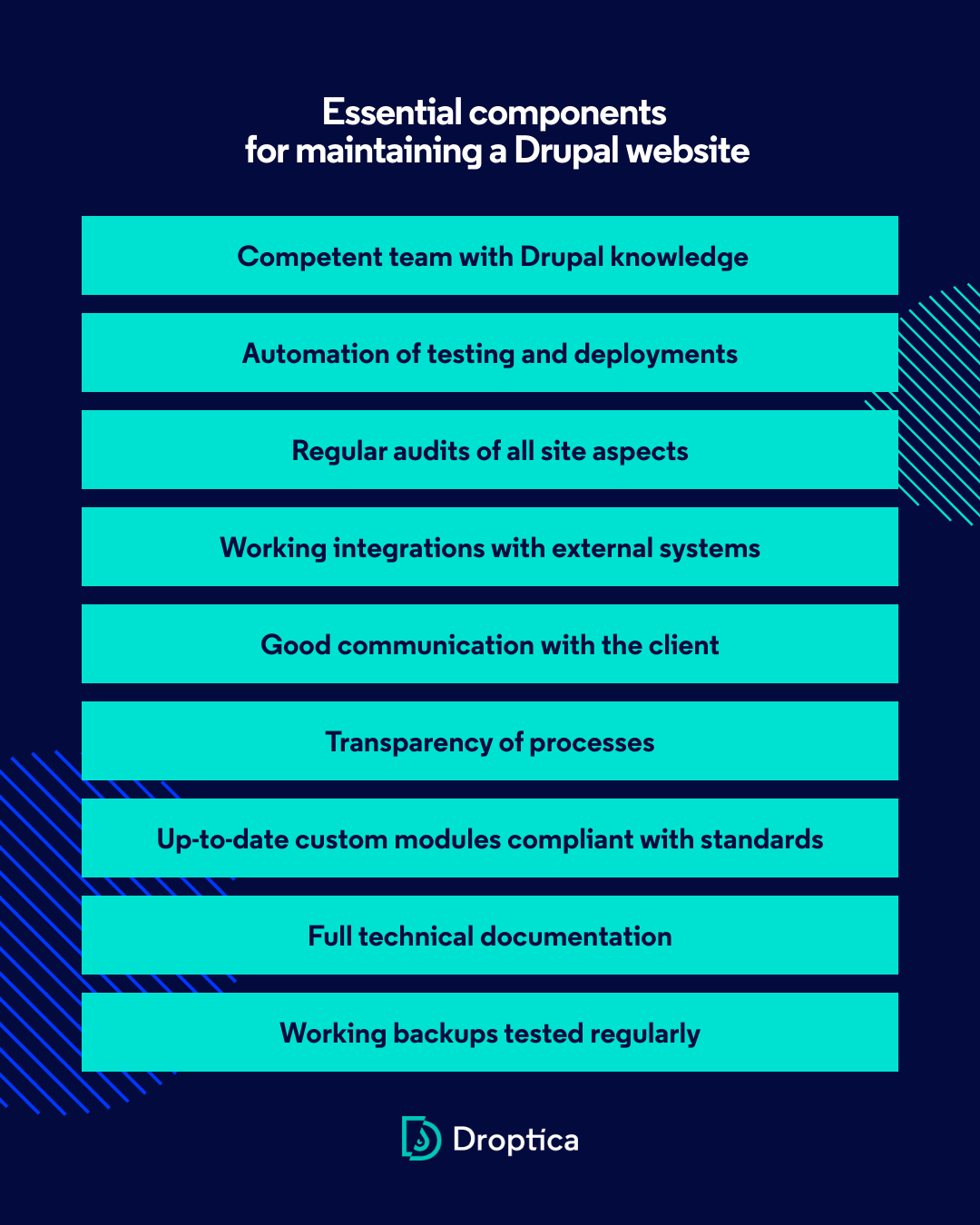
Drupal maintenance is much more than just module updates. It requires:
- Competent team with Drupal knowledge.
- Automation of testing and deployments.
- Regular audits of all site aspects.
- Working integrations with external systems.
- Good communication with the client.
- Transparency of processes.
- Up-to-date custom modules compliant with standards.
- Full technical documentation.
- Working backups tested regularly.
Each of these elements is crucial for the stability, security, and performance of your Drupal site.
Frequently asked questions (FAQ)
Q: How often should Drupal security audits be conducted?
A: We recommend security audits at least once a month, and for sites with sensitive data (finance, healthcare) even weekly. Automated scanning should run continuously as part of regular Drupal maintenance.
Q: Is a weekly backup frequent enough for Drupal maintenance?
A: It depends on the type of site. For most business applications, we recommend daily backups. For e-commerce sites or high-traffic sites - even hourly incremental backups. Regular restoration testing is also crucial.
Q: What SLA should I require from a Drupal maintenance company?
A: Standard SLA is: Critical issues - 1h response, High priority - 4h, Medium - 24h, Low - 48h. More important than response time alone is clear communication and work status transparency.
Q: Can I maintain Drupal myself or do I need a Drupal maintenance company?
A: You can, but it requires a full-time team with knowledge of Drupal, DevOps processes, security, and performance. For many companies, outsourcing Drupal maintenance to a specialized firm is more cost-effective.
Q: How can I check if my Drupal maintenance partner is doing a good job?
A: Check if you receive: monthly reports, transparent billing, quick responses to tickets, change documentation, information about performed audits and backups.
Need expert care for your Drupal site?
At Droptica, we specialize in Drupal maintenance services. Our team of certified Drupal specialists will ensure the security, performance, and stability of your site while avoiding common maintenance problems.